Unlock Retro Charm with the Cheer Coach Canva Frame Template
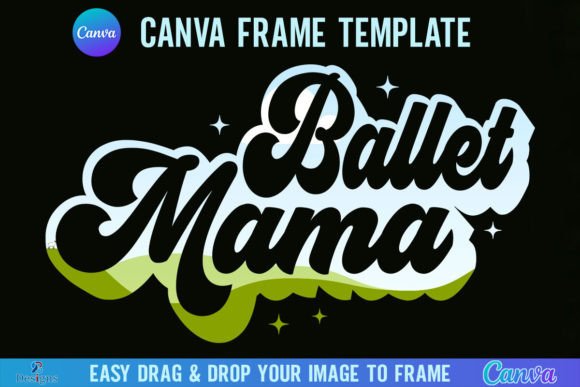
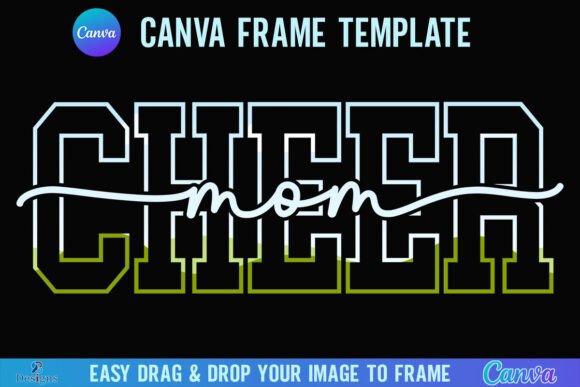
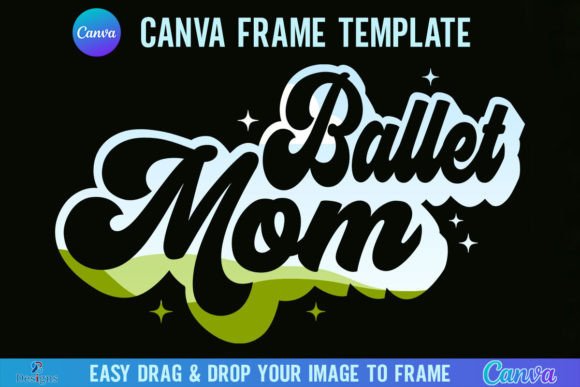
There’s a specific kind of energy that comes with cheerleading—it’s bold, spirited, and full of motion. If you’re trying to capture that vibe in your design work, the Cheer Coach Canva Frame Template Retro is a tool that gets it right. It’s not just a generic frame; it’s a design asset built with personality. The retro aesthetic here isn’t about being outdated—it’s about tapping into a style that feels familiar, energetic, and visually distinct. Think of it as a way to add instant character to your projects without spending hours tweaking every element.
What Makes This Template Stand Out
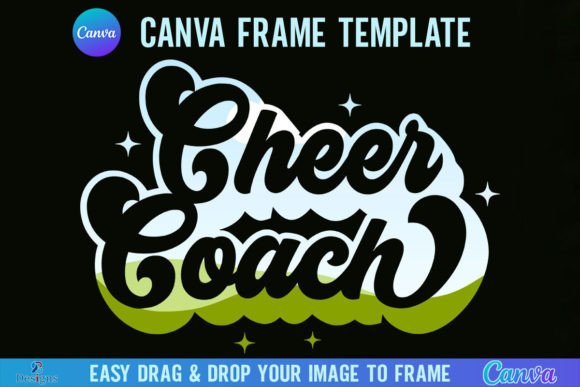
This isn’t your average Canva frame. The retro style is built into its DNA, with clean lines and a nostalgic feel that works across various projects. The template comes in two versions: grouped and ungrouped. The grouped version keeps elements together for quick edits, while the ungrouped version gives you full control to move and adjust individual parts. That flexibility is key for designers who like to customize. You’ll get a PDF with a direct link to Canva, so you can start working immediately after unzipping the file. Just remember, you’ll need a free Canva account to use it, and if you want to export with a transparent background, a Canva Pro subscription is required.
The frame itself is designed at 4000x4000 pixels, which is a solid size for both digital and print projects. It’s large enough to maintain quality when scaled down, but not so massive that it bogs down your workflow. The real advantage is how easy it is to use. Just drag and drop any PNG or JPG background into the frame, and it fills the space perfectly. No cropping headaches, no alignment issues. It’s straightforward, practical, and built for people who want professional results without a steep learning curve.
Where This Template Shines
Think beyond just cheerleading graphics. This retro frame template has a versatile personality that can elevate a range of creative projects. For small business owners, it’s great for creating social media posts that stand out in a crowded feed. The retro vibe works well for promotions, event announcements, or even product showcases. Bloggers and content creators can use it to design featured images or quote graphics that have a cohesive, branded look. The style is bold enough to grab attention but clean enough to keep the focus on your message.
If you’re working on branding materials, consider how this template can contribute to your visual identity. A retro aesthetic can communicate tradition, energy, and approachability. It might be perfect for a fitness brand, a local event, or a youth sports team. The key is to match the frame’s personality with your brand’s voice. It’s not just about looking good—it’s about feeling right for your audience. The template’s design is strong enough to anchor a visual theme, but flexible enough to adapt to different color schemes and content types.
Practical Tips for Using the Frame Template
Start by thinking about your project’s goal. Are you creating something for print or digital? The 4000x4000 pixel size works well for both, but you might need to adjust for specific formats. For social media graphics, you could crop the frame to fit platform dimensions. For print, like posters or flyers, the high resolution ensures crisp results. Always test your design at the intended size before finalizing. What looks good on screen might need minor tweaks for print.
When it comes to pairing this frame with other design elements, keep it simple. The retro style has its own voice, so avoid competing with too many other fonts or graphics. Use clean, modern typography for body text to create contrast and ensure readability. If you’re using the frame for a logo or header, make sure the overall design doesn’t feel cluttered. The goal is to let the frame enhance your content, not overwhelm it. Experiment with different backgrounds inside the frame—a solid color can make text pop, while a subtle texture can add depth.
Why This Design Asset Saves You Time
One of the biggest challenges in design is starting from scratch. This template gives you a head start with a professionally designed frame that’s ready to go. Instead of spending time drawing shapes, aligning elements, and adjusting proportions, you can focus on your content. The drag-and-drop functionality in Canva makes it accessible even if you’re not a design expert. And because it’s a digital product, you get instant access—no shipping, no waiting. Just download, unzip, and create.
Keep in mind that this is a Canva-specific template. It’s not an SVG file, so it’s not compatible with cutting machines like Cricut or Silhouette. But for digital design, social media graphics, presentations, and printables, it’s a solid choice. The retro cheer coach aesthetic is niche enough to be distinctive but broad enough to apply to various projects. Whether you’re designing for a client, your own brand, or just for fun, it’s a tool that can add value to your creative toolkit.
Final Thoughts on Making It Work for You
The best design assets are the ones you actually use. This template is designed to be practical and user-friendly, so don’t overthink it. Start with a simple project—a social media post, a flyer, or a blog graphic—and see how it feels. Adjust colors, swap backgrounds, and play with the layout until it fits your vision. The retro style is forgiving and works well with both bold and subtle approaches. Trust your instincts and focus on creating something that communicates your message clearly.
Remember, design is about solving problems and connecting with your audience. The Cheer Coach Canva Frame Template Retro is just one tool to help you do that. Use it to add a touch of nostalgia, energy, and professionalism to your work. With a little creativity, it can become a go-to asset in your design process. And since it’s so easy to use, you’ll spend less time fussing with technical details and more time creating content that resonates.