Faux Embroidery Canva Frame Letters_5: A Crafty Design Asset
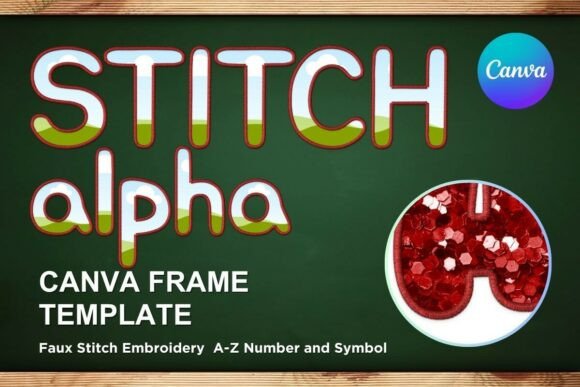
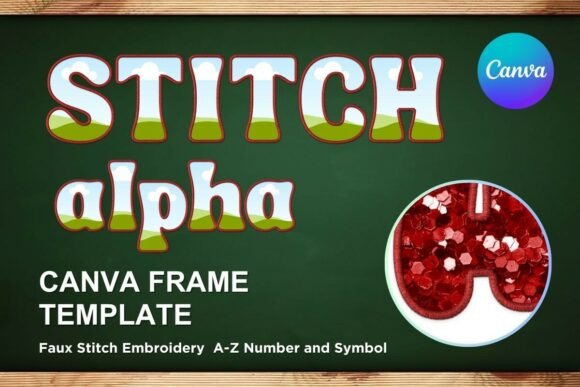
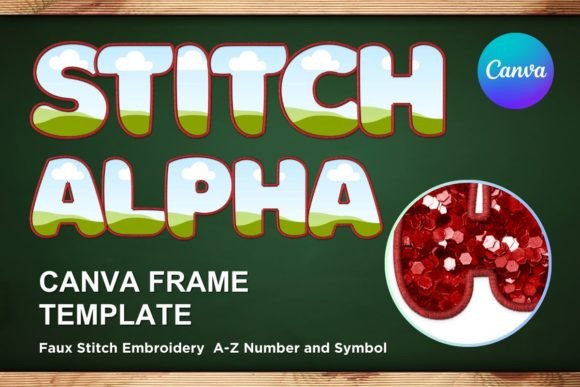
There's a particular warmth that comes with embroidered text. It feels handmade, personal, and carries a touch of nostalgia. If you've ever wanted to capture that cozy, textured look without picking up a needle and thread, the Faux Embroidery Canva Frame Letters_5 template is a clever solution. This isn't a traditional font file, but rather an editable Canva template that lets you create that charming stitched effect digitally. It's designed for those who want the intricate look of embroidery with the speed and flexibility of modern digital tools.
Understanding the Template's Unique Appeal
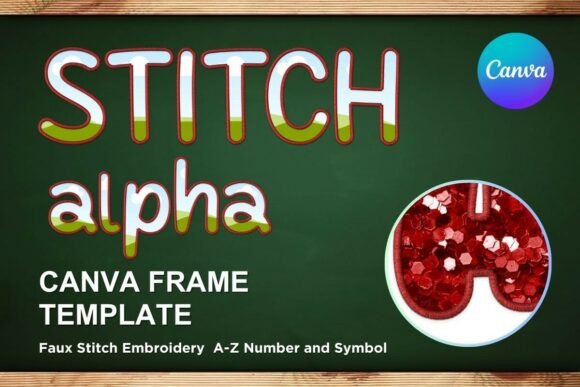
Let's clarify what this product actually is. You're not downloading an SVG or PNG file. Instead, you receive a PDF containing a link to a custom Canva template. This template features a series of letter frames—essentially outlines with a faux embroidery stitch pattern. The "font" itself is a display font in style, characterized by its decorative, textured borders that mimic the look of thread on fabric. Its personality is friendly, handcrafted, and slightly rustic, yet it maintains a clean, digital precision that ensures legibility at various sizes.
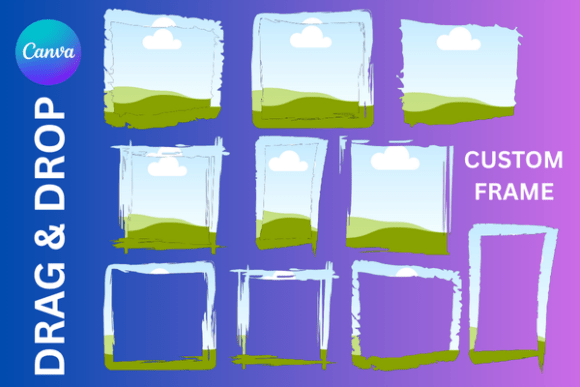
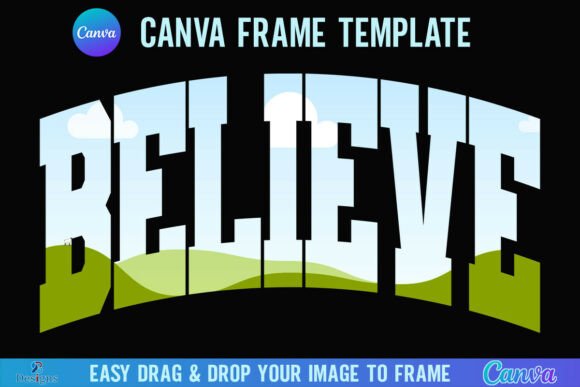
The true value here is in the editable framework. The letter forms are designed as transparent layers on a 12x12 inch canvas, making them perfect for vinyl sublimation and other print-on-demand applications. You can drag and drop your own colors, patterns, or even photographs into the letter frames, instantly giving them that faux embroidery texture. This makes it a versatile design asset for creating custom monograms, names, or short phrases with a handmade aesthetic.
Where This Crafty Style Truly Shines
The applications for this faux embroidery style are wonderfully specific. It's a creative font alternative that works best where a personal, artisanal touch is desired. Think of projects where you want to evoke warmth, comfort, or a DIY spirit.
- Branding for Handmade Businesses: If you run a craft shop, a bakery, or a boutique selling artisan goods, this style can become a cornerstone of your brand identity. Use it for logo variations, product labels, or social media headers to instantly communicate your brand's handcrafted ethos.
- Editorial & Packaging Design: In editorial design, it's perfect for magazine covers, chapter headings, or pull quotes in lifestyle, craft, or home décor publications. For packaging design, it can add a premium, tactile feel to product boxes, tags, and wrapping paper.
- Web Design & Social Media: While not a body text font, it's excellent for website banners, call-to-action buttons, or featured post graphics. On social media, it's ideal for creating engaging Instagram stories, Pinterest pins, or Facebook graphics that stand out in a crowded feed.
- Personal & Event Projects: The template is a crafter's dream for personal projects. Create custom wedding signage, baby shower decorations, personalized gift tags, or family name art for your home. The ability to size the templates up or down means they can fit everything from a small favor tag to a large wall print.
Making It Work: Practical Guidance for Designers
Integrating a specialized asset like Faux Embroidery Canva Frame Letters_5 into your workflow requires some thoughtful consideration. Here’s how to approach it effectively.
Evaluating Project Fit and Readability
First, assess if the style matches your project's tone. This aesthetic is warm and informal. It might not suit a corporate financial report, but it's perfect for a yoga studio's promotional materials or a community event poster. Because the letters are decorative frames, readability is key. Use it for short headlines, names, or single words. Pair it with a clean, simple sans serif font for any supporting body text to create a clear visual hierarchy. A simple sans serif will provide a necessary contrast and ensure your message is understood quickly.
Font Pairing and Color Considerations
The template's editable nature is its strength. When choosing colors for the fill, consider your overall brand identity. Soft, muted tones can enhance the vintage feel, while bold, solid colors can give it a more modern, graphic twist. Test different combinations in Canva. For font pairing with other typefaces in a design, lean towards simplicity. A geometric sans serif or a straightforward serif font will balance the detail of the embroidery letters. Avoid pairing it with other highly decorative script fonts or handwritten fonts, as this can create visual clutter.
Licensing and Commercial Use
This is a critical point for entrepreneurs and small business owners. The product description states it's a digital file with a link to an editable template. Typically, such templates come with a license that allows for commercial use in creating end products like physical prints or digital graphics for your business. However, you cannot redistribute the Canva template file itself. Always review the specific license terms provided with your purchase to ensure compliance, especially if you plan to use the designs for client work or mass-produced items.
In the end, the Faux Embroidery Canva Frame Letters_5 template is less about replacing a traditional serif font or sans serif font and more about adding a specific texture and emotion to your design toolkit. It solves a particular creative need: the desire for a handmade look with digital convenience. By understanding its strengths and applying it with intention, you can create designs that feel both personal and professionally polished, connecting with an audience that appreciates that crafted detail.